LightForge 2.0
Transform Unreal Engine from a game engine into a powerful filmmaking tool — so you can focus on what's important: telling your story.
One-Time Purchase · 7-Day Money-Back Guarantee
See LightForge in Action
A full walkthrough of the LightForge 2.0 workflow — from a raw Unreal scene to a fully optimized, cinematically lit, render-ready shot.
Everything You Need
to Light Cinematically.
LightForge centralizes the lighting, grading, and rendering tools filmmakers actually use — and removes the busywork Unreal usually demands.
- 30+ lighting presets to get your scene lighting set up instantly
- Dynamically control your lighting, sky, clouds & look from one central console
- Create, save & share lighting setups for future use or collaboration
- 100+ static & looping gobo textures, plus a Gobo Master Material for full control & customization
- One-click lighting effects & gobos in a centralized interface that makes creating cinematic lighting a breeze
- One-click, total scene optimization
- 30+ industry-standard camera presets for fast camera setup & shot matching
- 20+ LUTs for in-engine color grading, with included .CUBE files for consistent looks across programs
- Cinematic render presets & a comprehensive rendering guide for seamless, cinematic rendering
Included Free
With LightForge 2.0
Every purchase comes bundled with these extras — at no additional cost.
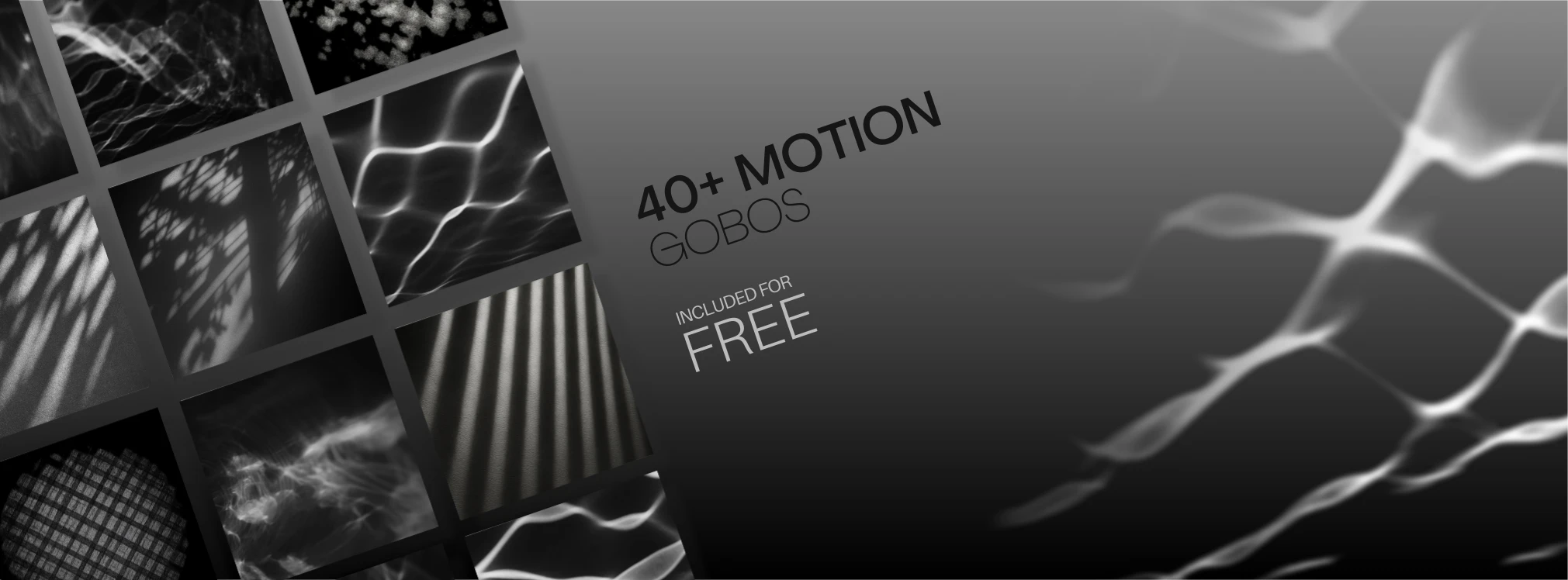
A library of 40+ animated gobos — moving light patterns you can drop straight into a scene for instant atmosphere and motion.

A complete guide to getting clean, high-quality renders out of Unreal Engine — settings, workflow, and pro tips.

Over 20 film-emulation LUTs, pre-configured for Unreal Engine, for a finished cinematic grade in-engine.
Made by a
Filmmaker,
For Filmmakers.
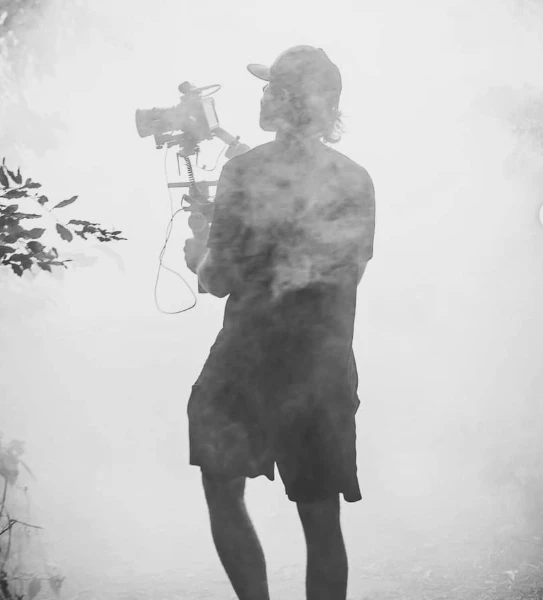
I'm Sam — filmmaker, Unreal instructor, and the person behind LightForge. I built it after watching talented filmmakers fight the same battle:
"Unreal can look like a feature film — but the lighting and render settings are buried, scattered, and built for games, not cinema."
LightForge fixes that. It puts cinematic lighting, grading, and rendering in one place — optimized for filmmaking, with pro layouts, gobos, LUTs, and one-click render presets — so you spend your time creating, not configuring.
For Anyone Lighting
& Rendering in Unreal
Never lit a scene in Unreal? One-click optimization and ready-made layouts give you pro-grade results from your very first project.
Get a cinematic look without a gaffer or a grading suite. LightForge brings film lighting and color into reach on an indie timeline.
Light, grade, and render in-engine with consistent, reusable layouts — and skip the manual setup that slows every shot down.
Centralize your lighting and render workflow, save your own custom looks, and move faster across every project and every scene.
What Filmmakers
Are Saying
Real feedback from filmmakers and studios using LightForge in production.
Not gonna lie we used this plugin on our newest feature and it was a total time saver and game changer for us. Highly recommend. The filmmaker friendly UI is fantastic.
I've just purchased the plugin, and it's awesome, you've saved me a LOT of time! best plugin ever for rendering!
This plug in is groundbreaking, thank you!
I've bought Lightforge yesterday. And it's a great Plugin 😁
Get LightForge 2.0
A one-time purchase that turns Unreal into your cinematic lighting and render toolkit — including every layout, gobo, LUT, and render preset.
- Full LightForge 2.0 plugin for Unreal Engine
- One-click lighting & render optimization
- Full gobo, LUT & lighting-layout libraries
- HDRI sky systems & render presets
- Save & reuse your own custom layouts
7-DAY MONEY-BACK GUARANTEE · WINDOWS / UE 5.6 & 5.7